Consistent character AI is the difference between a film and a slideshow. What strikes me when watching AI short films is how quickly a viewer notices when a character changes mid-scene. A jacket shifts shade, hair texture shifts between medium shots, or facial structure subtly shifts as the camera moves. This is character drift, and the moment it happens, the story illusion breaks. Audience trust is fragile, and in visual storytelling, character consistency is what allows a viewer to forget the technology and engage with the emotion.
What is an AI character sheet?
Higgsfield recently shared a breakdown on creating consistent brand mascots, and it got me thinking about how we approach character design across an entire narrative sequence. The secret is not writing longer, more elaborate prompts for every single frame. It is building what I think of as an AI character sheet, or anchor sheet: a core set of visual rules and a reference image that you carry into every generation.
Why does this matter? Because AI video and image models respond best to clear, hierarchically structured details rather than decorative adjectives. When you define a character's core structural traits first, you give the generator a solid baseline across tools like Midjourney, Flux, GPT Image 2.5 or Nano Banana Pro.
Why does character drift happen in AI video?
AI video models have no memory between generations, so every new clip is a fresh guess. Without a fixed character sheet and reference image, small details such as jacket shade, hair texture and face shape wander from shot to shot. Writing those details down once, and reusing them word for word, is what keeps character consistency intact.
Which reference image works best for consistent character AI?
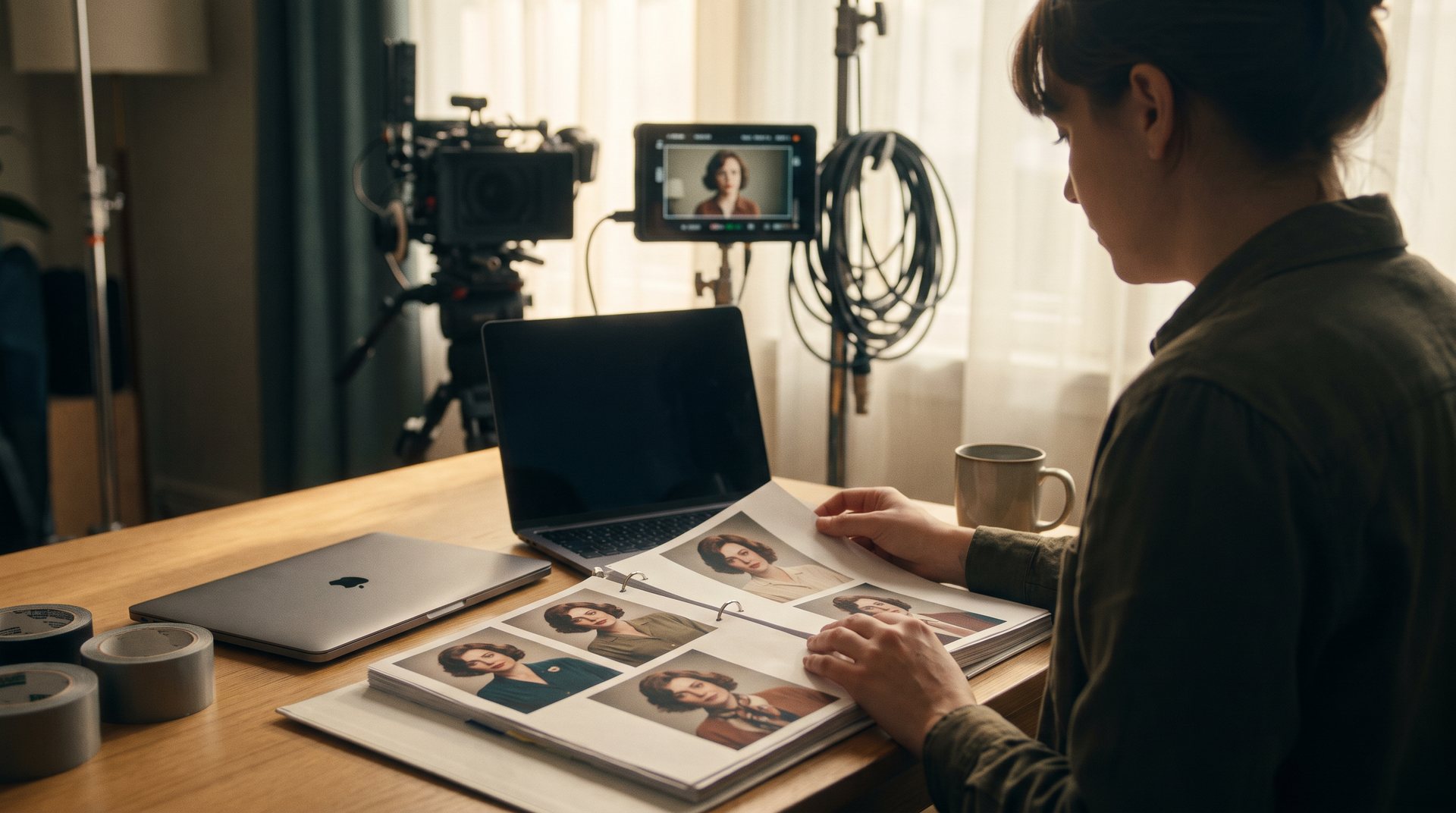
The best reference image is a clean, front-facing portrait on a neutral background, with soft even lighting and nothing covering the face. Heavy post-processing, extreme angles and low resolution hide the fine details the model needs, so they make character drift worse.
Keep one character per sheet. If you can, add a side view and a back view so the model is not guessing what the rest of the character looks like. Crop every reference the same way, with head and shoulders framed similarly, so the model reads the same face each time.
How do you keep characters consistent in AI video?
The process begins by establishing three key elements: a unique silhouette detail, a controlled colour palette, and a recurring lighting setup. If your character wears a distinctive vintage leather jacket with tarnished brass buttons, that specific detail must remain identical across your prompts, even when the environment changes.
First, create a neutral baseline image that defines your character's primary visual traits. This becomes your reference benchmark for all subsequent generation rounds.
Prompt
A neutral portrait of a tired detective in his late 40s, short grey hair, subtle stubble, wearing a worn dark brown oilskin jacket over a faded blue shirt. Soft studio lighting, neutral grey background, shot on 50mm lens, photorealistic.
Once you have your base visual, use it as your reference image and carry those exact physical descriptors into wide atmospheric shots. Keeping the clothing and facial structure phrasing completely unchanged helps the generator lock onto the subject identity.
Prompt
Wide cinematic shot of a tired detective in his late 40s, short grey hair, wearing a worn dark brown oilskin jacket over a faded blue shirt. Standing on a rain-slicked city street at dusk, neon reflections in puddles, atmospheric haze, shot on 35mm lens.
For close-up emotional beats, preserve the identical facial markers while shifting only the framing and lighting direction to match the drama of the moment.
Prompt
Extreme close-up beat of a tired detective in his late 40s, short grey hair, subtle stubble, low-key side lighting casting shadow across half his face, quiet contemplative expression, shallow depth of field, 85mm lens.
When moving your character anchor into AI video models like Kling or Luma, keep the motion prompt focused on micro-movement rather than sweeping action. This prevents facial drift and preserves character geometry frame by frame.
Prompt · Kling or Luma
Slow medium tracking shot of a tired detective in his late 40s wearing a worn dark brown oilskin jacket, walking slowly down a dimly lit alleyway, gentle fog, subtle camera drift.
Building a believable character sequence is ultimately about discipline and restraint. When you treat your visual anchors as strict constants across your workflow, your generated characters stop feeling like random images and start feeling like real people on screen.
What mistakes break character consistency?
Three habits cause most failures. The first is rewriting the character description from scene to scene, so the wording changes even when the character does not. The second is switching models mid-project without rebuilding the reference image. The third is asking video models for big, fast action, which pulls the face away from the reference. Fix all three and your character sheet does its job.
Once your character holds steady, give the camera a reason to move. Read Motivated camera movement: why AI shots float, and how to fix it. For the wider picture of where AI filmmaking is heading, see Hollywood stops resisting AI, and Seedance gets a faster, cheaper tier.
Great things are not done by impulse, but by a series of small things brought together.
Vincent van Gogh
Questions
What is a character anchor sheet?
An anchor sheet is a core set of visual rules that you carry into every generation. It replaces writing longer, more elaborate prompts for each frame, and treats your visual anchors as strict constants across the workflow.
How do you keep an AI character consistent across shots?
Establish a unique silhouette detail, a controlled colour palette and a recurring lighting setup. Then create a neutral baseline image and reuse the exact same physical descriptors in wide shots and close-ups, changing only framing and lighting.
How do you stop faces changing in AI video tools like Kling or Luma?
Keep the motion prompt focused on micro-movement rather than sweeping action. According to the article, this prevents facial drift and preserves character geometry frame by frame.
Why do AI characters look different from shot to shot?
Viewers quickly notice when details such as jacket shade, hair texture or facial structure shift between shots. The article says models respond best to clear, hierarchically structured details rather than decorative adjectives, so defining core structural traits first gives the generator a solid baseline.
Which tools does the anchor sheet approach work with?
The article says defining core structural traits first gives a solid baseline across tools like Midjourney, Flux and Higgsfield. For video, it mentions carrying the anchor into models like Kling or Luma.