What strikes me when watching early cuts of AI films is how often the camera moves without a clear reason. A pan slides left simply because the prompt mentioned a pan. A push-in speeds up because the model defaulted to speed. In cinema, every camera move earns its place by answering a need in the story.
Camera movement tells the audience where to look and how to feel. When the camera drifts at random, the illusion breaks. The viewer stops watching your story and starts watching the software. Give the move a physical motive, such as an actor's gaze or a shift in the key light, and a generated clip starts to read as cinema.
These are the three things I check on the aibabbler films, which are made with models such as Seedance, Veo and Wan.
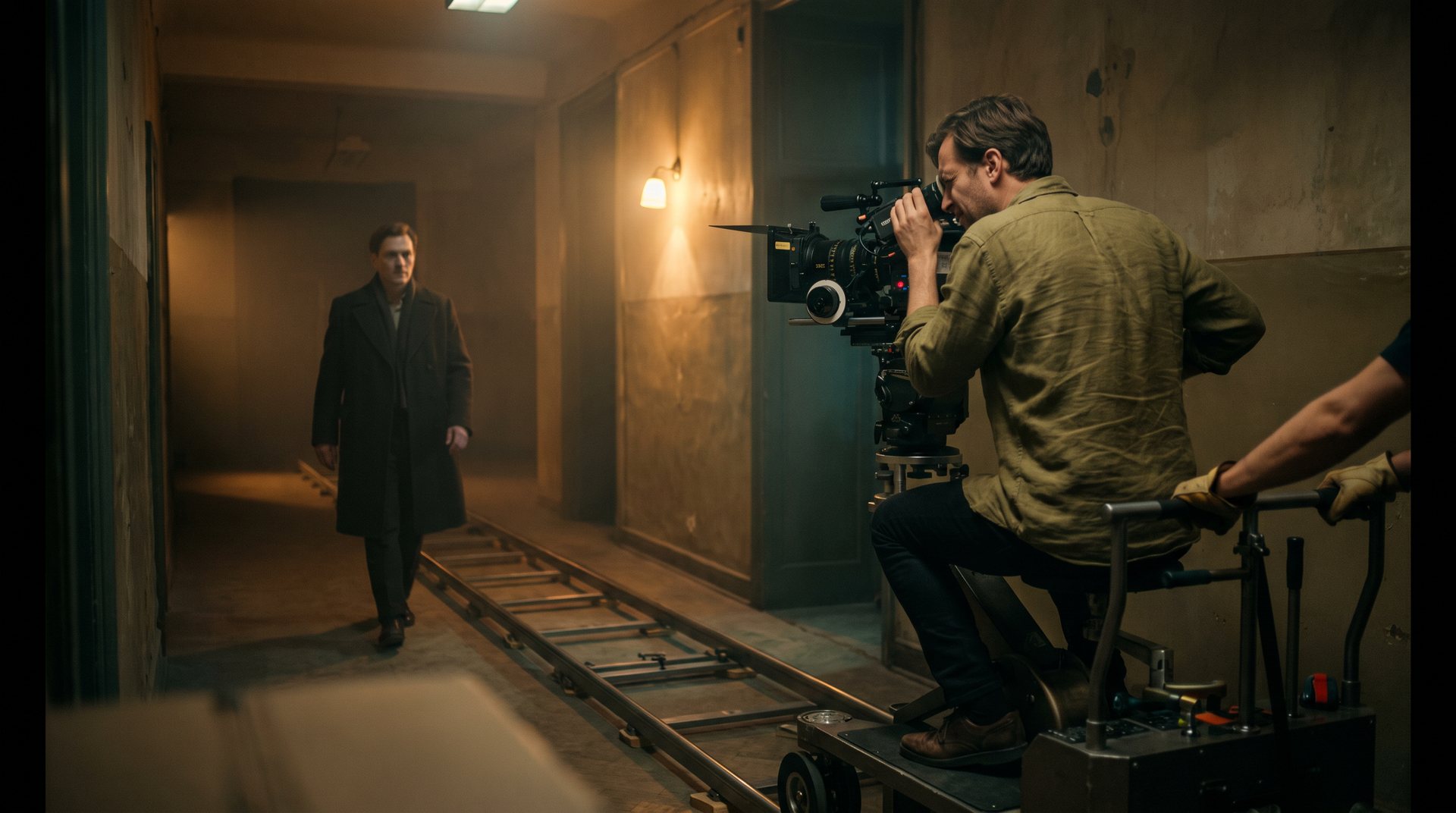
Anchor the camera to something in the frame
If you only write "camera pans left", the model has to invent the physics. You often get warping backgrounds or parallax that feels wrong. Tie the camera's path to a movement inside the frame instead.
When the camera follows a specific thing, such as a shadow stretching across a wall or a character turning their head, the model has an anchor for motion blur and depth.
A prompt for a driven tracking shot:
Prompt · Seedance, Veo or Wan
Cinematic wide shot, tracking side-view. A weary detective walks slowly down a rain-slicked alleyway at night. The camera glides parallel to his pace, keeping him in a low-key profile shadow while neon reflections streak across wet puddles. Soft lens diffusion, 35mm film grain, 16:9.
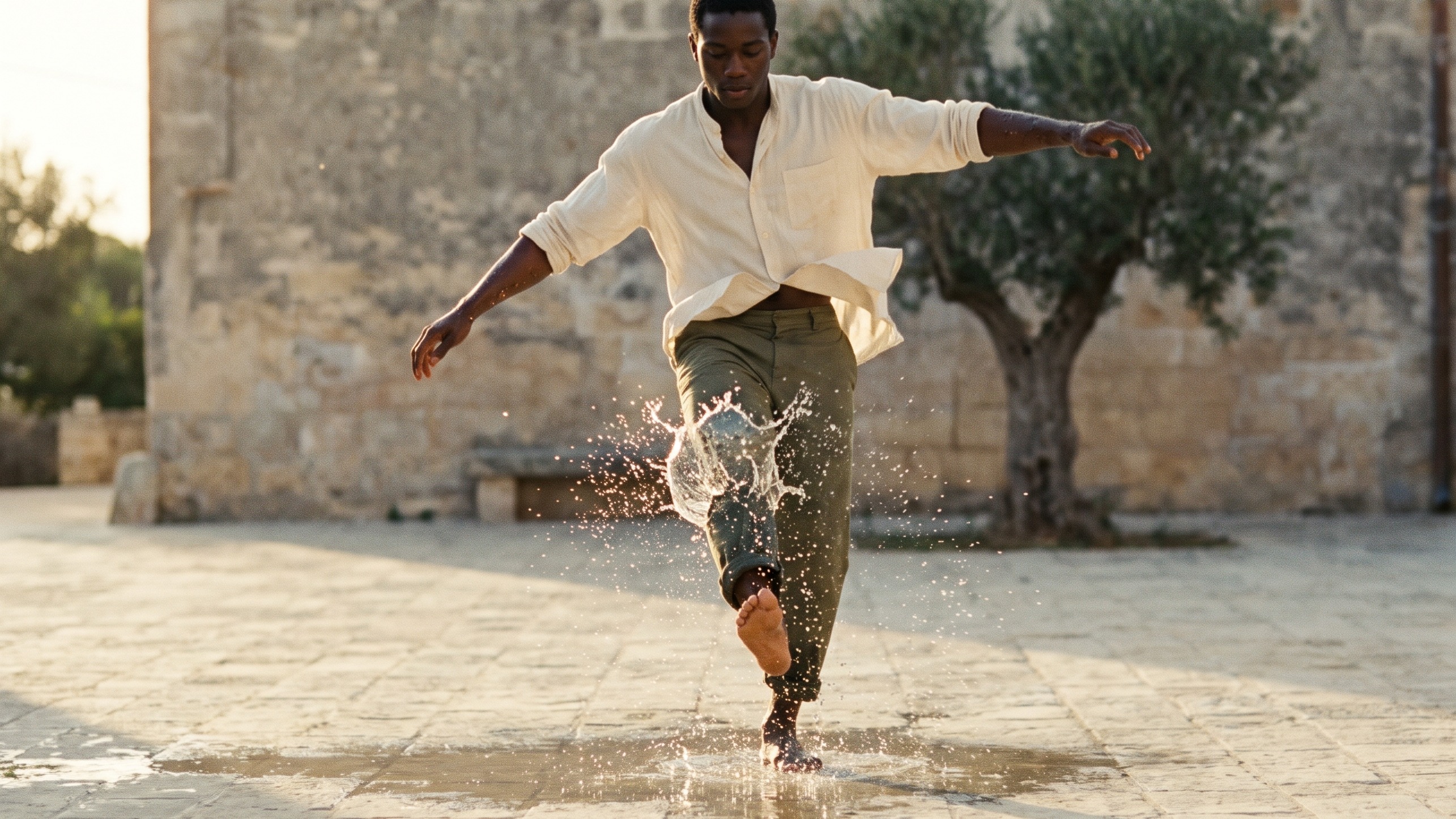
To see camera movement treated as choreography, watch Whimsical Angles, where the camera tilts, drifts and orbits as bodies let loose.
What is the camera move trying to reveal?
The question to ask before moving the camera is: what are we trying to reveal? A slow push-in works best when it mirrors a realisation inside the character. To pull the audience into that inner space, build the prompt around the lens and small facial cues, not fast motion.
Describing the atmosphere also helps the shot hold together as the frame tightens:
Prompt
Medium close-up shot, slow push-in. An elderly tailor stops mid-stitch, staring thoughtfully off-camera into dim tungsten light. Gentle volumetric dust particles drift in the foreground as the frame tightens. Warm amber shadows, practical workshop lighting, shallow depth of field, 16:9.
When should the camera hold still?
Sweeping moves have their place. But sometimes the strongest move is almost no move at all. Letting the subject cross a steady frame creates tension on its own.
Officer & Soldier is built this way: a charged office encounter told through restrained movement and rigid space.
Use the environment to carry the motion while the camera stays locked off, or on the lightest handheld drift:
Prompt
Low angle static shot. Overcast morning light washes over a desolate coastal pier. Wind rustles coastal grasses in the foreground while a solitary figure in a dark trench coat turns to look back over their shoulder. Subtle micro-handheld camera sway, muted cool colour palette, high contrast, 16:9.
For a more stylised piece, pair foreground detail with gentle background motion so the model has clear instructions on parallax:
Prompt
Cinematic dolly zoom effect, slow push-in on character while background recedes slightly. A young astronomer looks up at a glowing observatory dome. Soft rim light highlights her silhouette against dark indigo night skies. Atmospheric filmic lighting, 16:9.
The frame follows the story
Treat camera movement as a storytelling tool, not a novelty slider, and your output feels more intentional straight away. The next time a render feels floaty, step back and ask what is driving the lens. Give the camera a reason to move, and the model will usually follow.
You can see these rules at work across the film index.
If it can be written, or thought, it can be filmed.
Stanley Kubrick
Questions
Why do AI video shots look floaty?
AI shots look floaty when the camera moves without a reason. A pan slides left only because the prompt mentioned a pan, or a push-in speeds up because the model defaulted to speed. The viewer stops watching the story and starts watching the software.
What is motivated camera movement?
Motivated camera movement means every camera move answers a need in the story. The move is tied to something physical, such as an actor's gaze or a shift in the key light, so it tells the audience where to look and how to feel.
How do I prompt a tracking shot in AI video?
Tie the camera's path to a movement inside the frame. Describe the subject moving, then say the camera glides parallel to their pace. That gives the model an anchor for motion blur and depth, where a bare instruction to pan left leaves it to invent the physics.
When should the camera stay still in an AI shot?
Hold the camera still when the scene needs tension. Letting the subject cross a steady frame creates tension on its own. Use the environment, such as wind in the grass, to carry the motion while the camera stays locked off or on a light handheld drift.
When does a slow push-in work best?
A slow push-in works best when it mirrors a realisation inside the character. Jo Aiba builds the prompt around the lens and small facial cues, not fast motion, and describes the atmosphere so the shot holds together as the frame tightens.