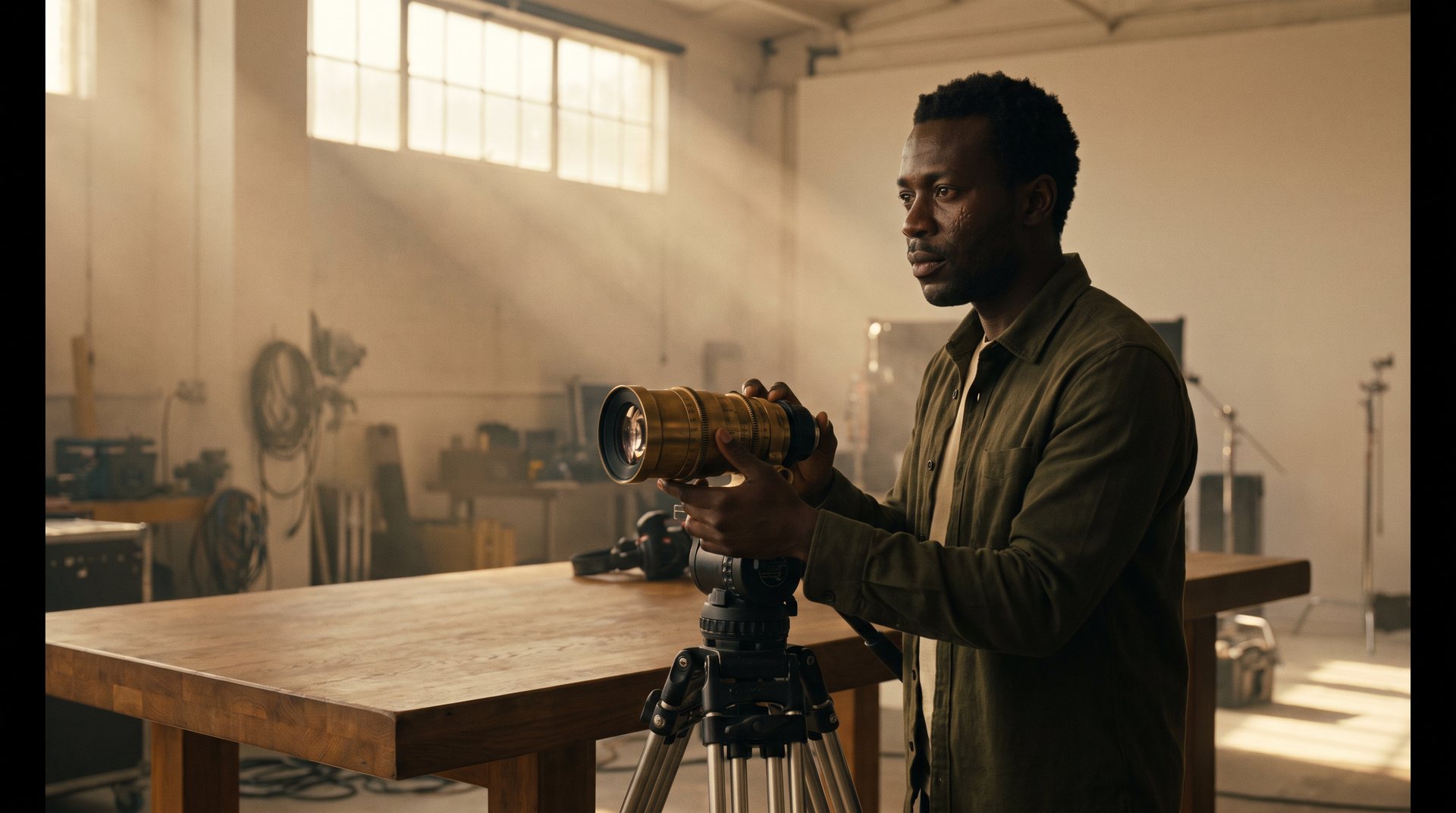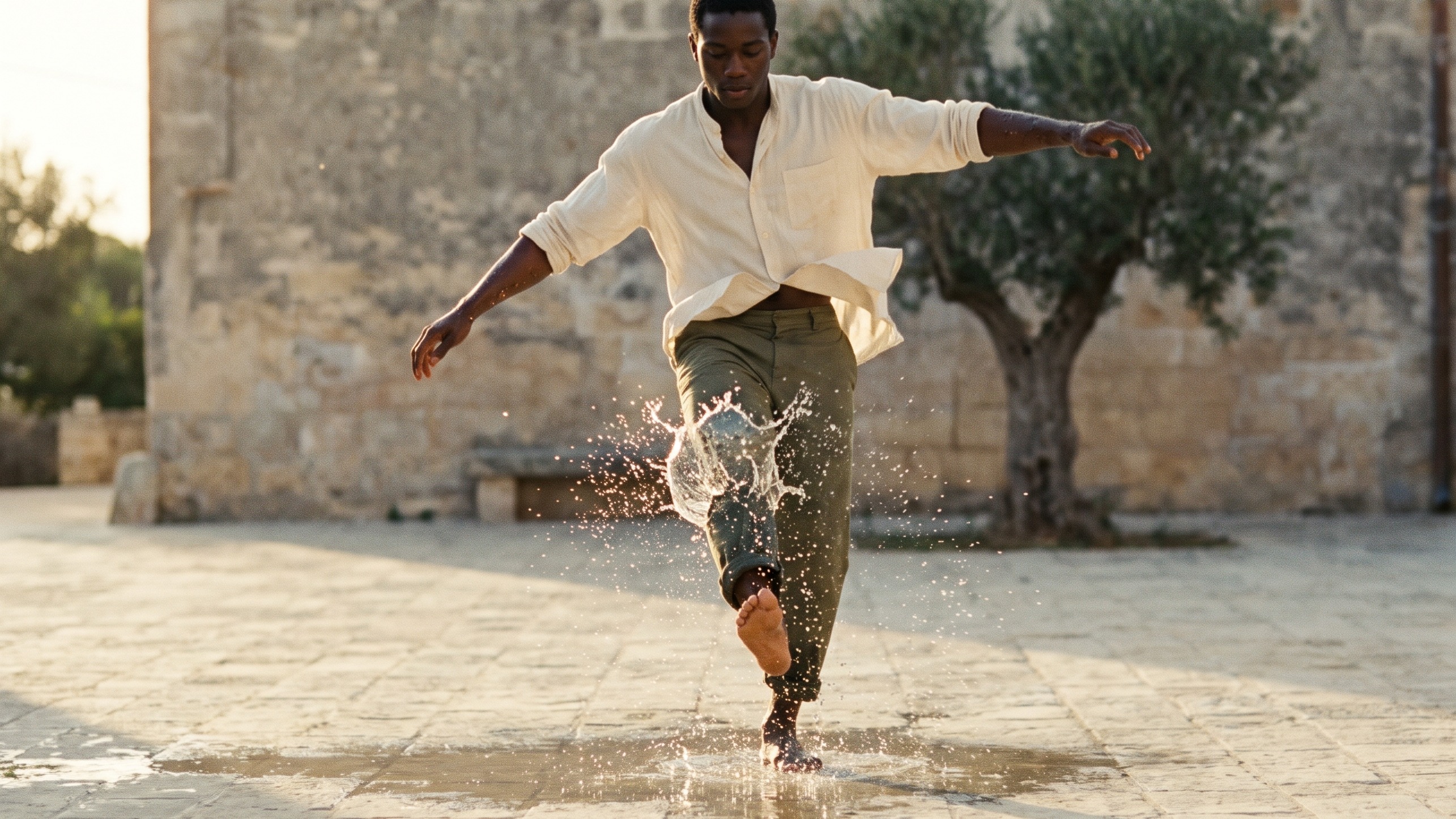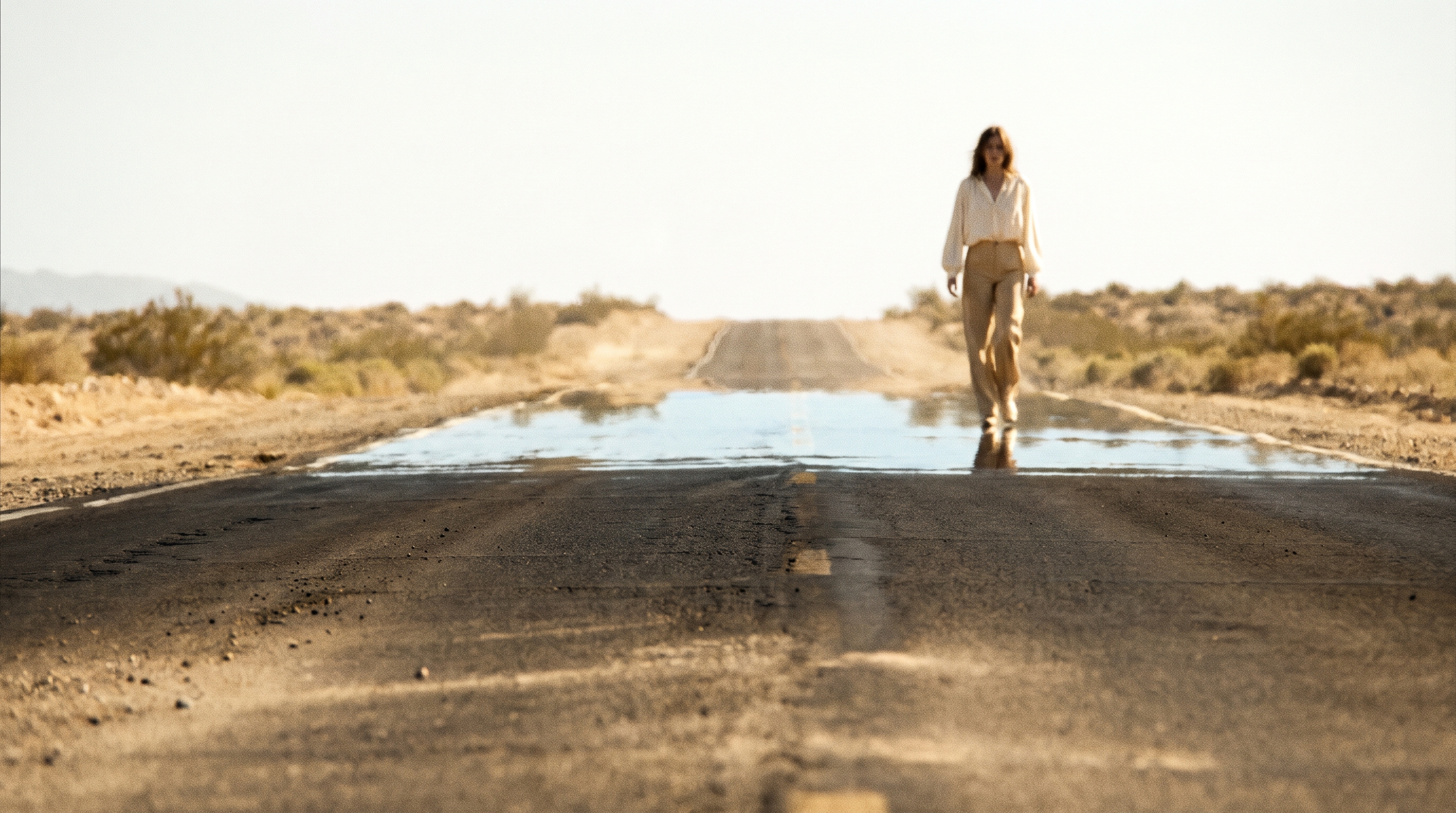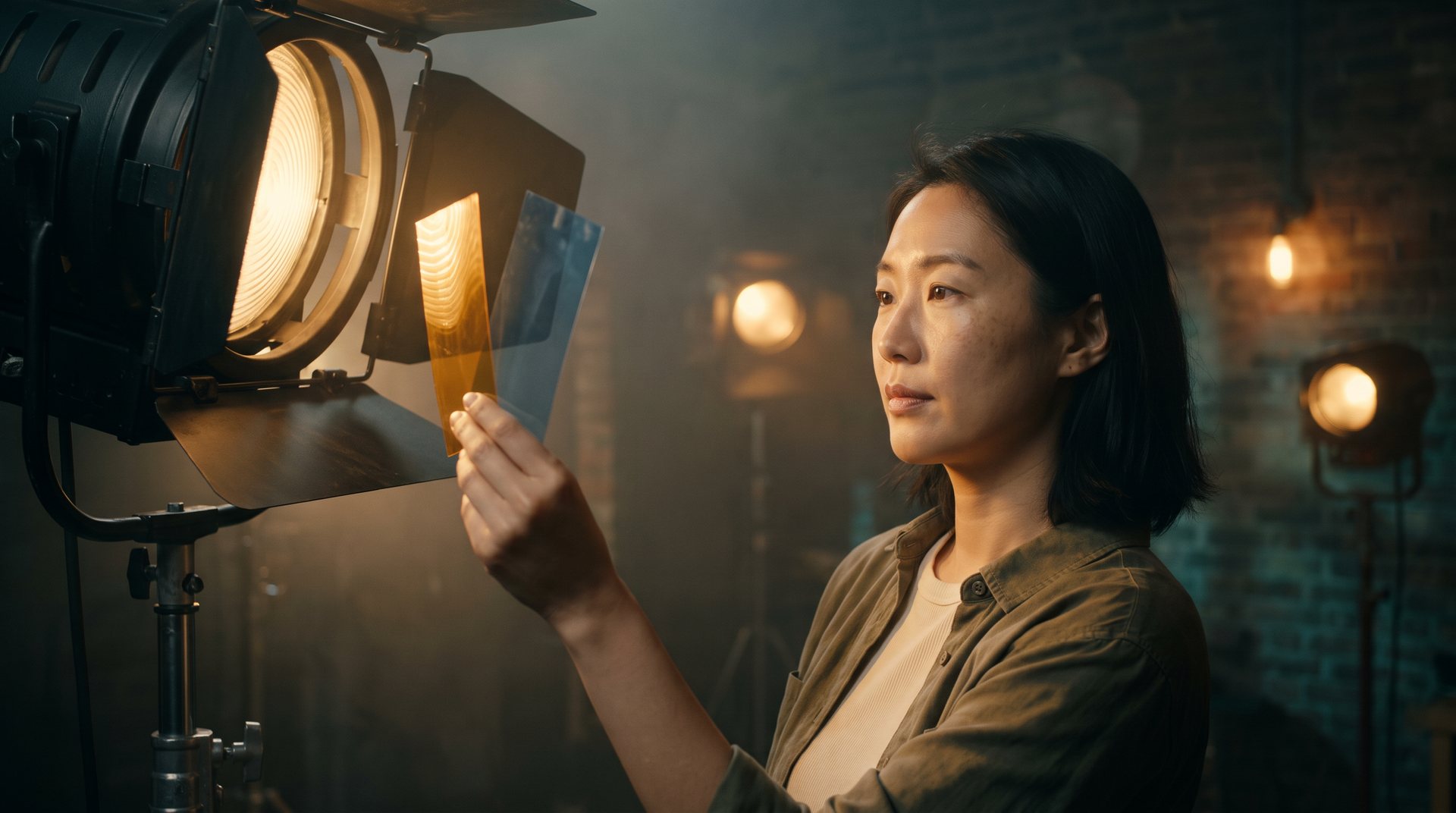
What strikes me when watching AI-generated shorts is how often scenes feel visually disconnected, even when using the same character or setting. A scene starts in cool, neutral daylight, but the next reverse shot shifts into oversaturated gold. The problem is rarely technical capability; it is visual discipline. In traditional filmmaking, colour scripting is the backbone of emotional continuity. If we want AI film to carry genuine weight, we need to treat colour with the same deliberate intent.
Why does colour palette drift in AI generation?
Generative models are naturally inclined toward decorative variety. When given broad prompts, they select lighting and hue based on statistical averages rather than narrative context. If one prompt mentions a street scene and the next mentions a close-up, the model may default to bright sunlight for the wide and moody tungsten light for the portrait.
The audience notices this shift immediately, even if subconsciously. When the visual environment jumps around in warmth and saturation, shots feel like disconnected stock footage rather than a cohesive story. To fix this, we need to steer the model away from stylistic keywords like "cinematic" or "hyperrealistic", which offer no structural guidance, and instead prompt specific colour relationships built around realistic light sources.
How do you control colour palettes across AI shots?
The secret to palette consistency is limiting your prompts to two or three dominant hues anchored by explicit light sources. Rather than describing the mood in vague terms, specify the colour temperature of the key light alongside the ambient shadow tone. This creates a visual rulebook that the generative model can consistently follow across multiple generations.
First, establish a primary palette anchor for your scene. Choose two contrasting temperatures, such as warm amber tungsten paired with cool steel-blue ambient light. Keep these exact lighting descriptors across every prompt in the sequence, whether you are generating wide environment shots, character close-ups, or insert shots.
Prompt
Wide cinematic shot of a rain-slicked alleyway at night, dual-tone lighting with warm amber tungsten light from street lamps against cool steel-blue shadow tones, subtle atmospheric haze, muted neutral midtones, 16:9 aspect ratio
Next, maintain those same light source descriptions when framing characters. By carrying the exact palette references into your portrait or close-up prompts, the model preserves the lighting environment while re-centering the subject.
Prompt
Medium close-up shot of a detective standing in a rain-slicked alleyway at night, warm amber tungsten lamp light illuminating one side of the face with cool steel-blue ambient shadows, muted visual palette, shallow depth of field, 16:9 aspect ratio
Finally, when converting these keyframes into video using image-to-video tools, focus your motion prompt on camera movement and light stability rather than complex subject motion. This prevents the model from hallucinating new colours during motion synthesis.
Prompt
Slow camera dolly forward toward the subject, rain falling steadily through the warm amber key light, steel-blue shadow tones remain steady, subtle mist motion, 16:9 aspect ratio
By anchoring your prompts to a strict dual-tone lighting setup, you give your generations a sense of deliberate craft. The resulting shots fit naturally into an edit, allowing the viewer to stay immersed in the narrative rather than questioning the changing atmosphere.
Photography is truth. The cinema is truth twenty-four times per second.
Jean-Luc Godard
Questions
Why does colour change between AI-generated shots?
Generative models favour decorative variety and pick lighting and hue from statistical averages rather than narrative context. A wide street shot might get bright sunlight while a close-up gets moody tungsten light.
How do you keep a colour palette consistent in AI film?
Limit your prompts to two or three dominant hues anchored by explicit light sources. Specify the colour temperature of the key light alongside the ambient shadow tone, and keep those descriptors identical across every prompt in the sequence.
Do words like cinematic or hyperrealistic help with colour consistency?
No. The article says these stylistic keywords offer no structural guidance. Prompt specific colour relationships built around realistic light sources instead.
What is an example of a dual-tone lighting setup for AI prompts?
Jo Aiba suggests warm amber tungsten paired with cool steel-blue ambient light. In the example, a rain-slicked alleyway at night uses amber street lamp light against steel-blue shadow tones.
How do you stop colours shifting when turning keyframes into video?
Focus the motion prompt on camera movement and light stability rather than complex subject motion. This prevents the model from hallucinating new colours during motion synthesis.